
The doctor's calendar and the agent: two-way sync that stops double bookings in a clinic
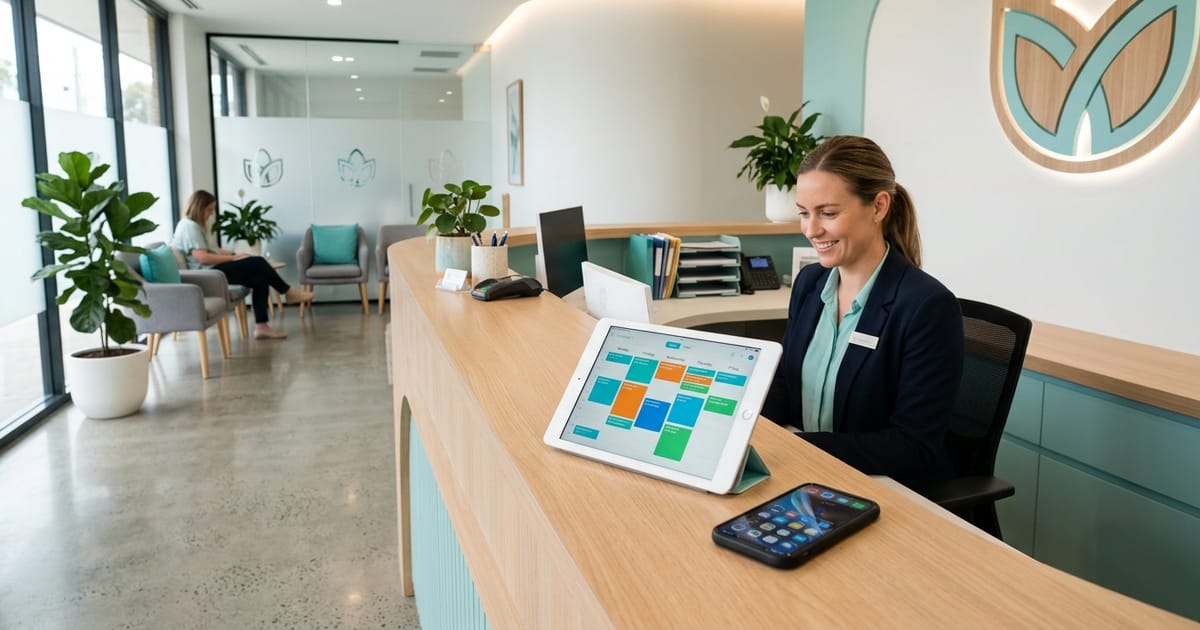
A double booking in a clinic is almost never caused by someone making a mistake. It happens because the same hour has two sources of truth, and each of them is right about only part of it. The clinic's appointment calendar knows who is booked with Dr. Cohen on Wednesday. Dr. Cohen's private Google calendar knows that on that same Wednesday he leaves at 13:00 to pick up his kids, because he entered it on his phone at seven in the morning and told nobody. As long as a secretary runs the calendar, the gap closes in the corridor: the doctor tells her, she blocks the slot. Once an AI agent starts booking appointments at night and on Shabbat, the corridor disappears, and the agent confidently offers an hour the doctor is no longer there for. This article is about the mechanism that closes the gap, and about the questions worth asking before you connect a doctor's calendar to anything.
How a double booking happens once there is an agent
It is worth breaking the failure into steps, because each step shows where the connection has to go.
- The doctor blocks time wherever is convenient. Almost always that is their phone, in a personal Google calendar or the clinic's, not in the booking system and not in the CRM.
- The agent looks at what it can see. If all that is connected to it is the appointment calendar, 13:00 looks completely free.
- The patient gets a slot and confirms. As far as they are concerned the appointment is set, and they may already have asked for time off work.
- Someone finds out in the morning. The secretary has to call, apologise and offer another time, and a patient who booked at 23:00 and gets a cancellation call at 08:30 is already less sure they want this clinic.
Notice that nobody here did anything wrong. The doctor blocked time, the agent offered free time, the patient booked. What is missing is a single channel between two calendars. In a clinic with one doctor this happens once a month. In a clinic with three doctors and a hygienist, each of whom also has a life, it happens every week.
Two-way sync: what flows in which direction
The fix is not asking the doctor to "update the system too". They will not, and rightly so: they are a doctor, not a secretary. The fix is to connect the calendar they already use, so information flows both ways.
From the agent to the calendar. An appointment the agent books appears in the practitioner's calendar, with the time, the type of treatment and the patient's name. The doctor sees their day in the same place they see everything else, and does not have to open another system to know who is coming in the afternoon.
From the calendar to the agent. Every event the doctor enters themselves, lunch, a parents' evening, a conference, their own dentist appointment, counts as busy time. The agent stops offering that hour without anyone telling it to. If the doctor deletes the event, the hour becomes available again.
The second direction is the important one, and it is exactly what most simple connections lack. A calendar that only receives appointments from the agent gives the doctor a convenient view, but prevents no double booking at all. A calendar that also returns busy time to the agent is what removes the morning cancellation call.
Privacy mode: only "busy" or "free"
The first question a doctor asks when you want to connect their personal calendar is "and who will see what is written there?". It is a good question. A personal calendar holds the doctor's own medical appointments, meetings with a lawyer, children's names and schools. None of that needs to reach a patient, the agent or the secretary.
So there is a mode in which only one thing crosses over from the private calendar: that the time is busy. The title, attendees, location and notes do not cross at all. The agent knows there is no availability between 13:00 and 14:30, and that is all it knows. The CRM does not store the contents, because it never received them.
There is a second, less obvious advantage. An agent that does not know why an hour is busy also cannot tell anyone. A patient who asks "why is there nothing on Wednesday afternoon?" gets an offer of another time, not "the doctor is picking up his kids". That sounds minor until it happens in your clinic.
The simple rule: the clinic's appointment calendar is connected in full, because that is where the appointments the agent must manage live. The doctor's private calendar is connected in privacy mode, because all it needs to say is when they are not free.
Several practitioners, several calendars
In a typical dental clinic a general dentist, a hygienist and sometimes a specialist who comes in twice a week all work at the same time. If they all share one calendar, the agent cannot know that a scale and polish with the hygienist does not take the dentist's chair, or that an implant consultation is booked only on the days the specialist is in.
The fix is one calendar for everyone patients are booked with separately, and assigning each treatment to the person who performs it. This is how the agent decides when a patient writes "I need a cleaning":
- The treatment is assigned to the hygienist, so the agent checks only her calendar.
- It offers two or three free times, not a list of twenty.
- If the patient asks "and can I also see the dentist the same day?", the agent looks for a free hour in the dentist's calendar close to the first appointment.
The same logic works in an aesthetic clinic with several doctors, a physiotherapy practice with a shift team and a veterinary clinic with several vets. An AI agent for dental clinics is the most common case we see, but the problem is identical in any private clinic with more than one practitioner.
And one boundary that does not move, even when the calendar is full: if, while booking, a patient writes "my jaw has been swollen since yesterday, is it urgent?", the agent does not assess the situation and does not decide whether it can wait until next week. It hands the conversation to a person on the team immediately, and the decision whether to clear a slot the same day is made by someone qualified to make it.
The honest alternative: a clinic that does not connect a calendar
Not every clinic wants to or can connect a calendar. Some clinics run appointments in an old system with no way to connect, some doctors refuse to connect anything to their phone, and some clinics simply want to start slowly. For all of them there is another way of working, and it is entirely legitimate.
In this mode the agent does not book the appointment. It collects from the patient what reception needs to book it: which treatment, which days and times suit them, whether this is a first visit, and contact details. Everything is recorded on a card in the CRM, and the patient gets a clear message: "I have passed your request to reception, they will get back to you with a confirmation".
The important part is what the agent does not say. It does not write "I have booked you for Wednesday at 10:00", because it has no access to book it. An agent that claims to have done something it cannot do produces exactly the same morning cancellation call, only worse. That is a fixed rule for us, not a setting.
The downside is clear: the patient waits for confirmation, and some will book elsewhere in the meantime. The upside is clear too: there is no risk of a double booking at all, and reception gets a tidy list of requests in the morning instead of scattered voice messages. Many clinics start this way and move to a connected calendar after a month, once they see how many requests arrived at hours when nobody was there.
Want to consult with us?
We can help you choose, build and deploy the perfect AI solution for your business. Leave your details and we'll get back to you.
Comparison: four ways to connect the agent to a calendar
| Parameter | Appointment calendar only, no sync | Full two-way sync | Sync in privacy mode | No connected calendar |
|---|---|---|---|---|
| The agent books the appointment itself | Yes | Yes | Yes | No, it collects a preference and reception confirms |
| A doctor's personal block shows as busy | No | Yes | Yes | Not relevant |
| Contents of private events cross over | No | Yes | No, only busy or free | No |
| Risk of a double booking | High when the doctor blocks time on their phone | Low | Low | None, because a person confirms |
| Patient's wait for confirmation | None | None | None | Until reception gets back to them |
| Suits | A clinic where nobody blocks time outside the system | The clinic's shared calendar | A doctor's personal calendar | A closed booking system or a gradual start |
In most clinics we set up, the answer is a combination of the two middle columns: the appointment calendar connected in full, and the doctors' personal calendars connected in privacy mode.
What to test before the agent goes live
A calendar connection is not something you test by looking at it. You test it by trying to break it. Before go-live, run five checks and see the result with your own eyes:
- The doctor blocks an hour in their personal calendar from their phone. Check that the agent no longer offers it.
- The doctor deletes the block. Check that the hour comes back.
- Book an appointment through the agent as if you were a patient. Check that it appears in the right practitioner's calendar, with the right treatment type.
- Put an event with an identifiable title in the private calendar. Check that the title appears nowhere in the CRM and that the agent knows nothing about it.
- Ask the agent for a treatment assigned to another practitioner. Check that it searches only the right calendar.
We covered the full testing method, including scenarios that have nothing to do with the calendar, in the article on tests before launching an AI agent. And if you are still weighing whether to hand booking to an agent at all, read the comparison between an AI agent and classic booking software.
Where this lives in WhaleBiz and on which plan
Booking, sync and the patient's card sit in the same system, so when the agent books an appointment it also updates the card in the CRM and schedules the reminder, with no manual step in between. All of this is done by the AI secretary agent, which manages the calendar alongside the conversation itself.
Calendar booking starts on the Standard plan, together with WhatsApp, because Start includes only a website widget or Telegram and no booking. A clinic with a large team that needs more calendars, or several agents for different branches, will find them on Business. The number of calendars on each plan and the other differences are gathered in the full plan comparison. The setup fee is paid once before work starts and is non-refundable, and the subscription starts only on go-live day, so you test the sync on a real calendar before you pay for a month of it.
The bottom line: the doctor will not change their habits so that the agent can work, and does not need to. What is needed is for the agent to see what the doctor already writes, and only what it needs to see.
Frequently asked questions
The doctor blocks an hour in their private Google calendar. Will the agent still offer it to patients?
No. When the doctor's calendar is connected with two-way sync, every event they enter themselves counts as busy time, and the agent stops offering that hour. There is no need to tell the secretary or to block the time a second time in another system.
Will the agent or the staff see the contents of the doctor's private events?
In privacy mode, no. Only the fact that the time is busy or free crosses over. The title, attendees, location and notes of a private event never reach the agent or the CRM, so the agent also cannot tell a patient why the hour is unavailable.
We have several doctors and a hygienist. Do we need one calendar or several?
One calendar for everyone patients are booked with separately. That way the agent knows that a session with the hygienist does not take the doctor's hour, and that a given treatment is only booked with the person who performs it. The number of calendars each plan includes is in the plan table.
What happens if the clinic does not want to connect a calendar at all?
The agent collects the treatment, the days and times that suit the patient and their contact details, records everything on a card in the CRM, and tells them reception will get back to them with a confirmation. It does not say the appointment is booked, because it has no access to book it. That is a legitimate way to work, only slower.
Which plan includes calendar booking?
Calendar booking starts on the Standard plan, together with WhatsApp. The Start plan includes only a website widget or Telegram, with no booking. A clinic with many practitioners that needs more calendars will find them on the Business plan, and the full breakdown is on the pricing page.

Anthony Malts
Anthony is an AI Solutions Architect at WhaleBiz, overseeing the end-to-end architecture, system integration, and deployment of AI agents and enterprise solutions. He specializes in designing robust cloud infrastructure, scalable workflows, and tailored technology systems for businesses.